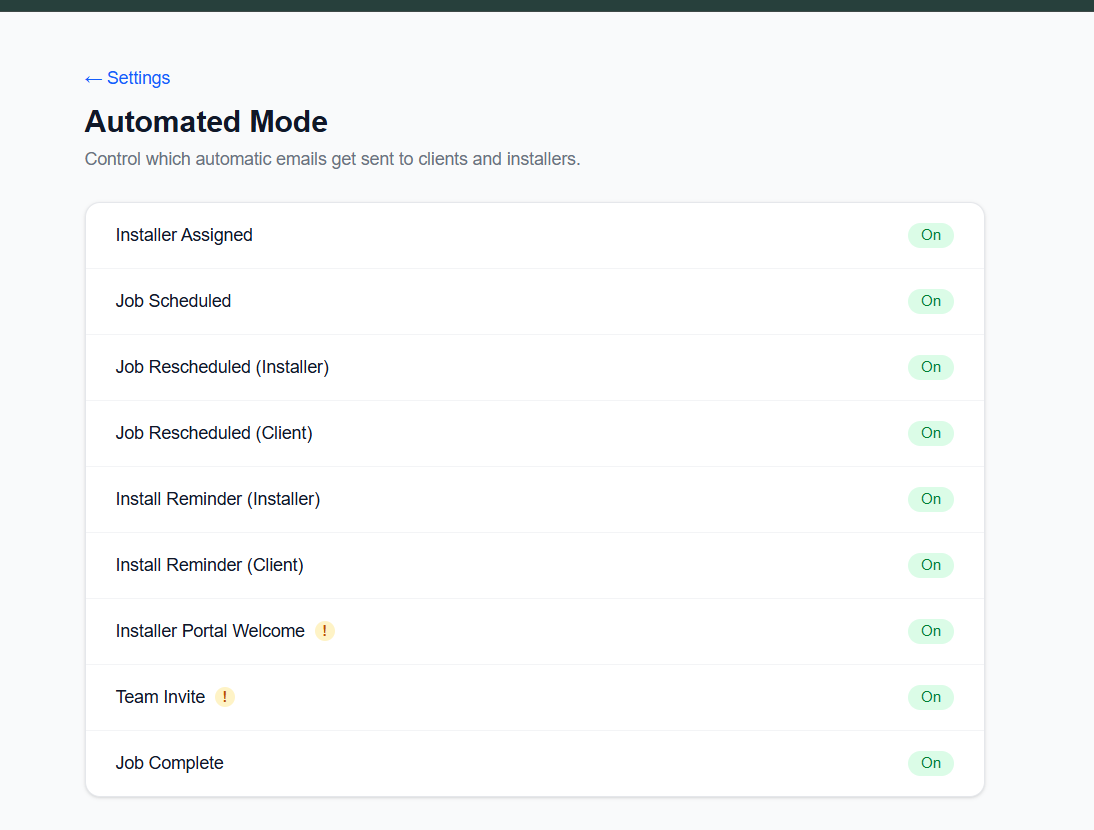
Head to Settings → Automated Mode to see every automatic email FloorStrategy sends and decide which ones fit how you run your business.
Some shops want every notification firing — install reminders, job scheduled alerts, the works. Others want a quieter approach and prefer to handle certain communications themselves. Now it's your call, email by email.
What you can toggle:
- Job Scheduled
- Job Rescheduled (client and installer)
- Install Reminder (client and installer)
- Installer Assigned
- Job Complete
- Team Invite
- Installer Portal Welcome
Flip any of them off and FloorStrategy stops sending that one — for everyone on your team, on every job. Flip it back on anytime.
A couple of these (Team Invite and Installer Portal Welcome) are how new teammates and installers actually get access to their accounts, so think twice before turning those off — there's no other way to share that link inside the app yet.
Where to find it: Settings → Automated Mode