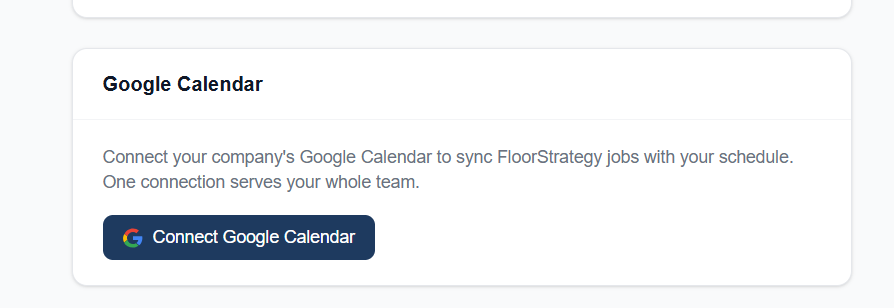
Head to Settings → Calendar (or connect it right from onboarding if you're just getting started) to link your Google account. Once it's connected, your FloorStrategy jobs show up on your Google Calendar automatically — install dates, reschedules, all of it.
Two ways to run it, your call:
- Unified calendar — every job lands on one shared calendar for the whole team.
- Per-installer calendars — each installer gets their own dedicated calendar, so their schedule stays separate and personal to them.
You can switch modes anytime in Calendar settings, and jobs automatically move to the right calendar when you reassign an installer — no manual cleanup needed.
Reschedule a job in FloorStrategy and the Google Calendar event updates right along with it. No copying dates back and forth, no double entry.
Where to find it: Settings → Calendar